A booking app for tutors in Telegram: lessons, time zones, reminders
A tutor's schedule breaks in two places: when a student moves a lesson, and when the student lives in another time zone and "at six" means two different hours. Both are settled if students pick the time themselves, from what is really free, each in their own time.
How to set it up
In VisitKit you make one booking page and send its link to students or their parents.
Lessons as services. For example:
- a lesson — 1 h;
- a double lesson — 1 h 30 min;
- a first meeting — 30 min.
Each has its length, and a price if you want to show one. A time is offered only where the whole lesson fits.
Working hours by day of the week. Mornings on some days, evenings on others; days off are closed whole.
Time zones. You set your own time zone once. A student sees your free times in theirs, and the reminders arrive in their time too. Nobody has to count hours.
What a student sees
The student — or a parent — opens your link in Telegram, picks the lesson, a day and a free time, and leaves a name and a phone number. There is no app to install and no account to create.
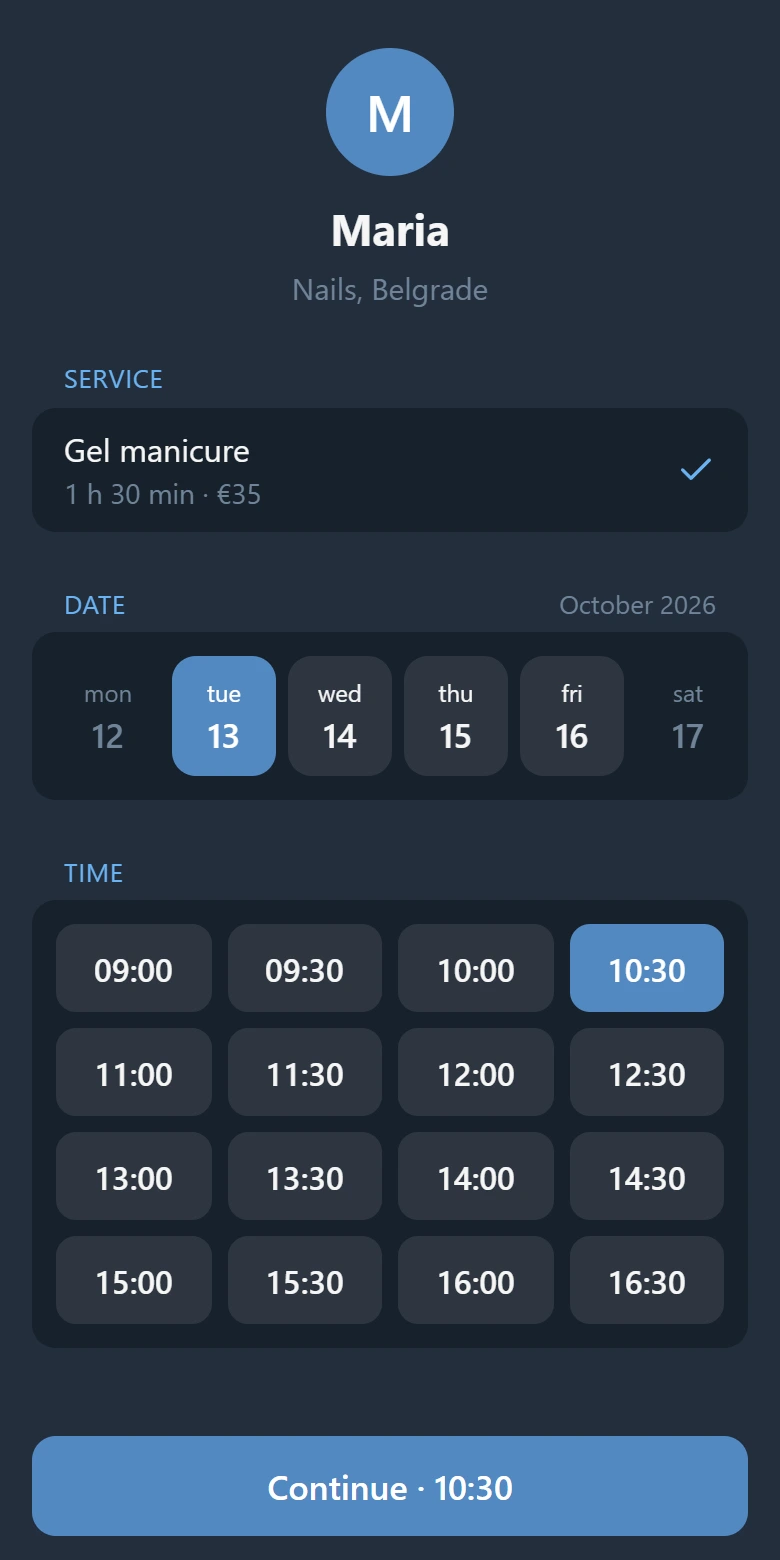
The bot confirms the booking and reminds about the lesson a day and two hours before. A student who cannot come cancels the booking themselves; the hour is free again and you are told at once. The interface follows the language of the student's Telegram — there are 20.
Good to know
- Every lesson is booked separately. There are no standing weekly bookings: a student who comes every Tuesday books each Tuesday, up to 30 days ahead.
- A break between lessons has no setting of its own. If you need ten minutes between students, add them to the length of the lesson.
- Payment stays between you. VisitKit does not take payment for lessons: students pay you directly.
- One page is one tutor. A school with several teachers needs a page per teacher.
- It does not sync with Google Calendar or other calendars; a student can add a lesson to the phone's calendar.
Up to 15 bookings a month are free; Pro removes the limit. Open VisitKit in Telegram and create your page.
More: three ways to take bookings in Telegram and how to reduce no-shows.