حجز حصص مدرب اللياقة البدنية في Telegram
A personal trainer's week rarely looks like an office job: morning blocks at the gym, a midday break, evening clients, and shifting workdays. Answering messages about free hours while you are on the gym floor interrupts workouts, while a booking link in Telegram lets clients pick or move their training slot themselves.
How to set up your training schedule
In VisitKit you set up your training formats and open the hours when you are at the gym or coaching online.
Workouts as services. For example:
- personal workout — 1 h;
- split workout for 2 people — 1 h;
- fitness assessment and plan — 30 min;
- long athletic session — 1 h 30 min.
You can set a 10 or 15 minute buffer between workouts or split your day into morning and evening intervals.
Weekly template or shift dates. Open your next 30 days from a weekly template in 1 tap, or switch to date-by-date mode if you work 2 days on and 2 days off.
What your client sees
The athlete opens your link in Telegram or a browser, picks the workout, chooses a day and free time, and books without installing any app.
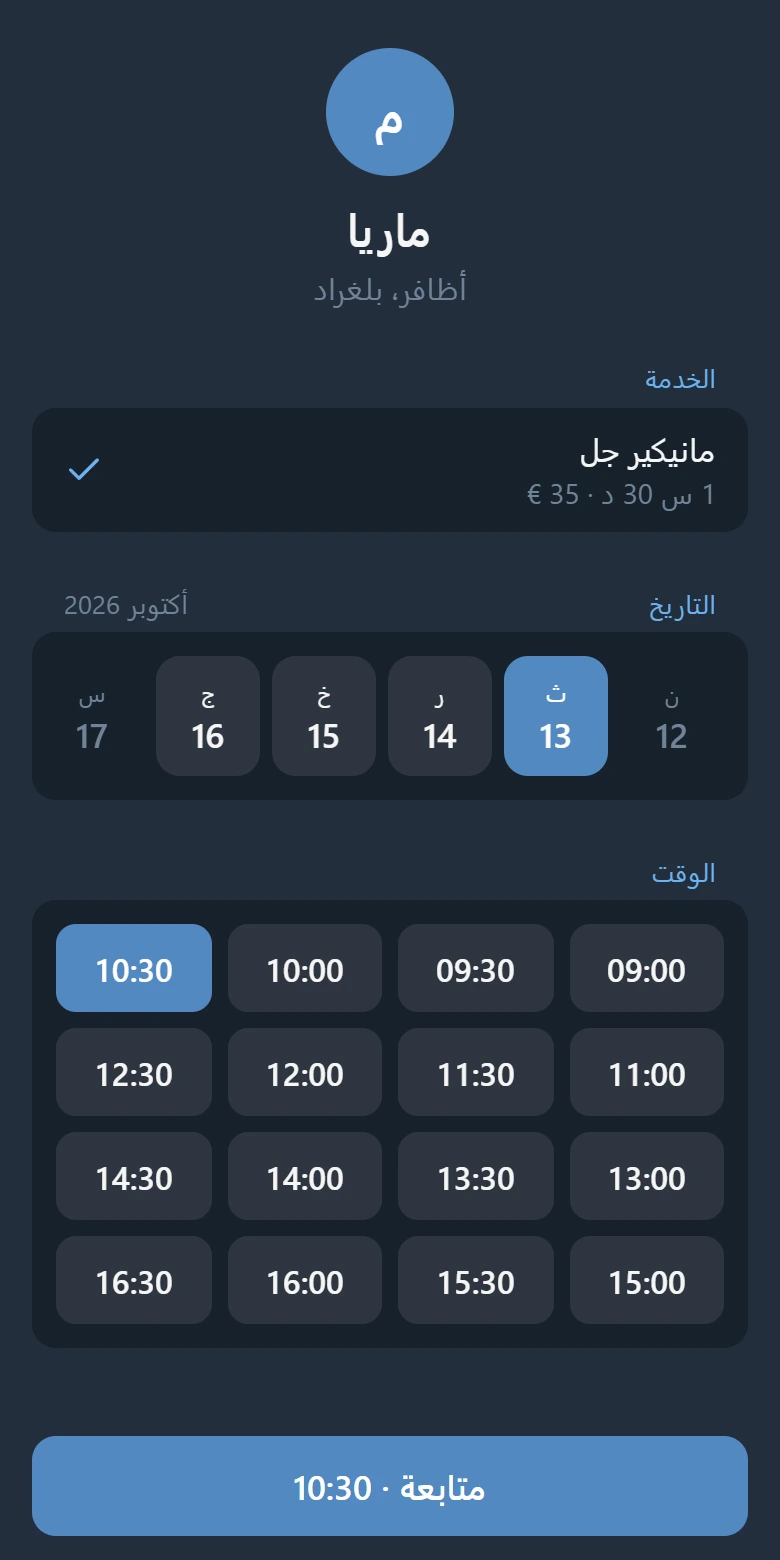
The bot confirms the workout and reminds the client a day and 2 hours before. When a regular client trains every week at the same hour, you can enter their booking for 4 or 8 weeks at once and send them a link so the bot reminds them before every gym visit. The app supports 20 languages.
Good to know
- Easy rescheduling. If a client asks to move a workout to another day, you can reschedule the booking in a couple of taps.
- Close hours for your own workout or lunch. Block any interval inside a day whenever you need a break.
- No payment middleman. Clients pay you for single workouts or packages directly.
- Google and Apple Calendar sync in Pro shows your full gym day on your phone calendar.
Up to 15 bookings a month are free; Pro removes the limit. Open VisitKit in Telegram and set up your trainer page.
More: three ways to take bookings in Telegram and how to reduce no-shows.